
Website Launch Checklist: Things To Double-Check Before Going Live in 2025?
Launching a website in 2025 is more than just hitting the “Publish” button. In today’s fast-paced digital landscape, users expect flawless performance, rapid loading speeds, seamless navigation, and mobile responsiveness — all while search engines demand technical precision and security. Missing even a small detail can lead to missed opportunities, lower search rankings, and a poor first impression.
Whether you’re a seasoned web developer, a digital agency, or an entrepreneur building your first site, having a comprehensive website launch checklist is essential for success. Below is an up-to-date, step-by-step guide of everything you need to double-check before taking your website live in 2025.
1. Technical Functionality: Eliminate Performance Errors
Before you unveil your website to the public, you must ensure that all technical aspects are functioning properly.
Key Elements to Check:
- Cross-browser Compatibility: Test your website on Chrome, Firefox, Safari, Edge, and mobile browsers to ensure consistent display.
- Device Responsiveness: Check how your site renders on desktops, tablets, and smartphones. In 2025, mobile-first indexing is standard.
- Working Links: Verify all internal and external links to avoid 404 errors, broken redirects, or dead ends.
- Form Functionality: Ensure all contact, subscription, and checkout forms are capturing and processing data correctly.
- Page Load Speed: Utilize tools like Google PageSpeed Insights or GTmetrix to ensure your pages load in under 3 seconds.
- Favicon Visibility: Your favicon should appear correctly across all browser tabs.
- Error-Free Console: Use browser developer tools to check for JavaScript errors or missing resources.
2. Content Accuracy: Proofread and Polish
Your content is your voice. Incorrect grammar, broken visuals, or outdated information can erode credibility instantly.
Content Review Checklist:
- Spelling and Grammar: Proofread every page meticulously. Use tools like Grammarly or Hemingway.
- Consistency: Double-check headings, fonts, and style choices for uniformity across the site.
- Up-to-Date Information: Ensure dates, contact details, pricing, and policies are current.
- Meta Titles and Descriptions: These must be unique, keyword-optimized, and within the correct character limits.
- Alt Text for Images: Improves accessibility and SEO.
- Readable URLs: URLs should be clean, descriptive, and SEO-friendly (e.g.,
yourwebsite.com/website-launch-checklist).
3. Search Engine Optimization (SEO): Optimize for Visibility
Launching a site without SEO preparation is like building a billboard in the desert.
SEO Pre-Launch Essentials:
- Keyword Optimization: Ensure primary and secondary keywords are naturally integrated into headers, body text, and metadata.
- Image Optimization: Compress images to reduce load times and include descriptive file names and alt text.
- Sitemap Creation: Submit an XML sitemap to Google Search Console.
- Robots.txt File: Make sure it’s configured correctly to guide search engine crawlers.
- Schema Markup: Implement structured data to enhance rich snippets and search visibility.
- Canonical Tags: Prevent duplicate content issues by specifying preferred URLs.
4. Security Measures: Protect Your Website and Users
In 2025, cybersecurity is a top priority. Visitors and search engines expect your site to be secure.
Security Checklist:
- SSL Certificate: HTTPS encryption is non-negotiable.
- Strong Passwords: Use complex passwords for all user accounts, especially admin profiles.
- Regular Backups: Set up automatic, reliable backups to protect your data.
- Security Plugins: Consider firewall protection, malware scanning, and brute-force prevention.
- User Permissions: Restrict admin-level access to only essential team members.
5. Mobile Optimization: Prioritize Mobile-First Design
Google and your users expect a seamless mobile experience.
Mobile-Readiness Items:
- Responsive Design: Test across various screen sizes.
- Touch-Friendly Elements: Ensure buttons and links are adequately sized and spaced.
- Readable Text: Font sizes should adjust for smaller screens without requiring zoom.
- Fast Mobile Load Speed: Optimize images and minimize code to ensure quick loading on mobile networks.
6. Analytics and Tracking: Enable Performance Monitoring
You can’t improve what you don’t measure.
Setup Essentials:
- Google Analytics 4 (GA4): Ensure it’s properly installed to track user behavior and conversions.
- Google Search Console: Connect your site to monitor indexing, search performance, and crawl issues.
- Event and Conversion Tracking: Set up goals, e-commerce tracking, or lead form submissions.
- Tag Manager Integration: If using Google Tag Manager, confirm tags are firing correctly.
7. Legal Compliance: Follow Current Regulations
Websites must comply with data privacy laws to avoid legal trouble.
Compliance Checklist:
- Privacy Policy: Clearly explain how user data is collected and handled.
- Terms and Conditions: Protect your business by specifying user rights and limitations.
- Cookie Consent Banner: Required for GDPR and CCPA compliance when using cookies or trackers.
- Accessibility Standards: Ensure your site meets WCAG 2.2 guidelines for ADA compliance. Use tools like WAVE to audit accessibility.
8. Final User Experience (UX) Testing: Ensure Seamless Navigation
Even if your site is technically sound, it must also feel easy to use.
UX Factors:
- Intuitive Navigation: Can users find what they need within 2-3 clicks?
- Clear Call-to-Action (CTA): Buttons should be visible, action-oriented, and strategically placed.
- Readable Layout: Avoid cluttered pages, use whitespace effectively, and maintain visual hierarchy.
- Media Playback: Videos, animations, or sliders should load and play smoothly.
9. Hosting and Domain Settings: Solidify Your Foundation
A smooth launch depends on solid hosting and proper domain configuration.
Hosting Preparation:
- Reliable Hosting Provider: Ensure server uptime is at least 99.9%.
- SSL Certificate Activation: Confirm that the SSL is applied and correctly redirects HTTP to HTTPS.
- Domain DNS Settings: Double-check DNS propagation and record accuracy.
- Backup Hosting Plan: Consider redundancy or CDN services for faster global delivery.
10. Post-Launch Plan: Ongoing Optimization
Your website launch is not the finish line—it’s the starting point.
Post-Launch Essentials:
- Monitor Performance: Use uptime monitoring tools to detect downtime immediately.
- Collect User Feedback: Encourage users to report issues or suggest improvements.
- Continuous SEO: Regularly update content, build backlinks, and monitor search rankings.
- Content Marketing: Plan blog posts, newsletters, and social media strategies to drive traffic.
- Security Audits: Regularly review security protocols and software updates.
Final Thoughts
Launching a website in 2025 requires more attention to detail than ever before. With the increasing complexity of web standards, evolving SEO algorithms, and growing security threats, the days of casually publishing a site and hoping for the best are long gone. This checklist serves as a comprehensive guide to ensure that your site is technically sound, user-friendly, legally compliant, and fully optimized for search engines. By taking the time to meticulously double-check each item before going live, you’ll set your website—and your business—on the path to long-term success.
Remember: your website is often the first interaction potential customers will have with your brand. Make it count.
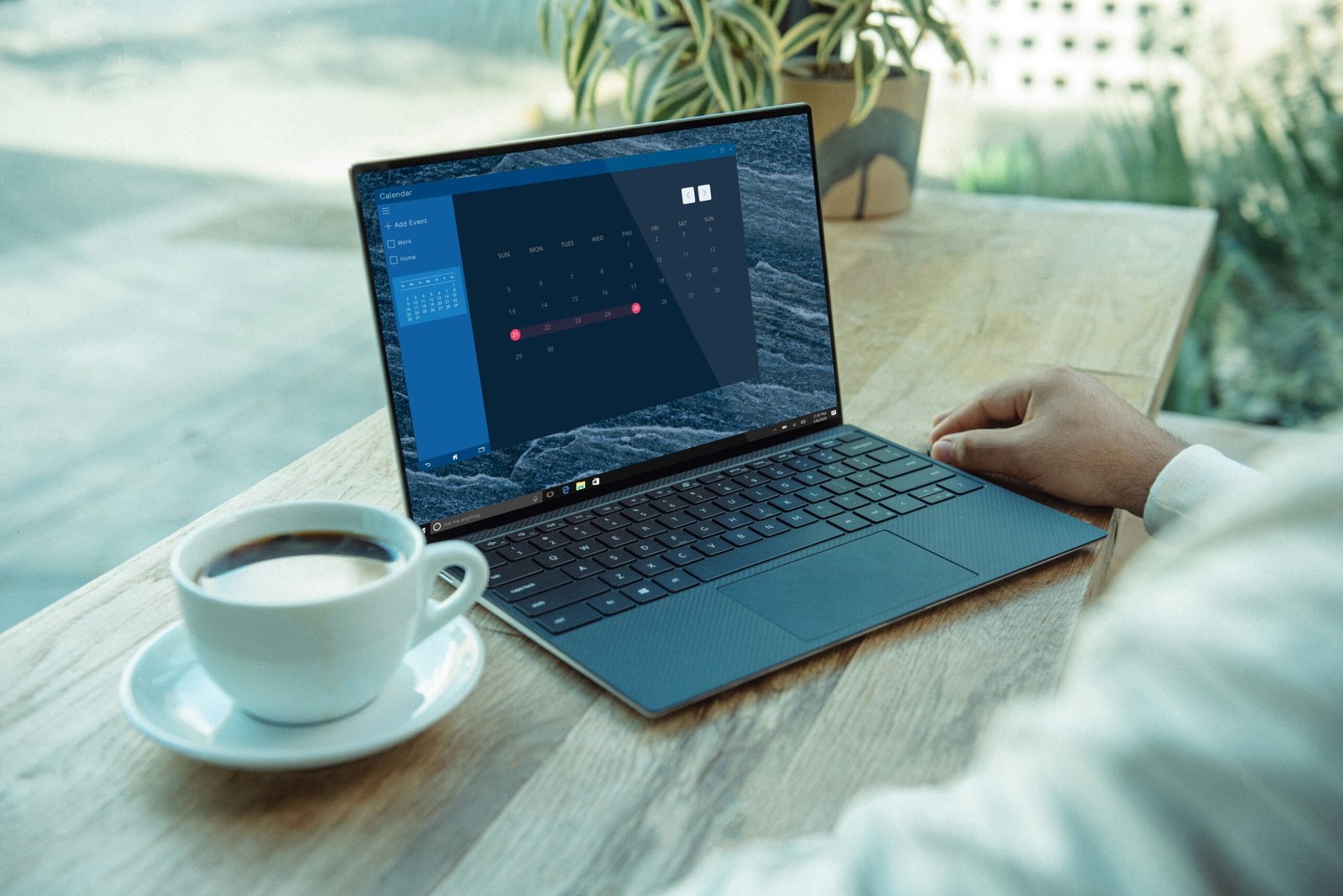
The image is courtesy of Dell.

JDS WebDesign is a Web Design and Brand Marketing Agency located in Marietta, Georgia. We create AWESOME on line presence for Start-ups and Influential People/Organizations. To learn more about us or how we can help you and your organization, you can contact us or schedule a meeting.
Join our mailing list to keep up with JDS WebDesign and find get tutorials and information about how to improve your website or business.
[et_bloom_inline optin_id="optin_3"]
Get Your Mobile Application TODAY!!!
Unlock your next state of growth. Mobile applications that change minds & deliver more!!!
CLICK THE RED BUTTON BELOW TO GET STARTED!!!